kiyoshi のすべての投稿

Debian9.9.0 on old kiyoshi (NEC)

i386 boot dvd failed.
Then using rufus, burn dd the same iso image on usb.
USB boot goes smoothly. That means iso file is flawless but dvd drive on old  kiyoshi is probably not good enough.

Chose english in install process, select area other ->asia ->japan. This way makes english name for default folders etc. This is important!!

Chose all the software to install.

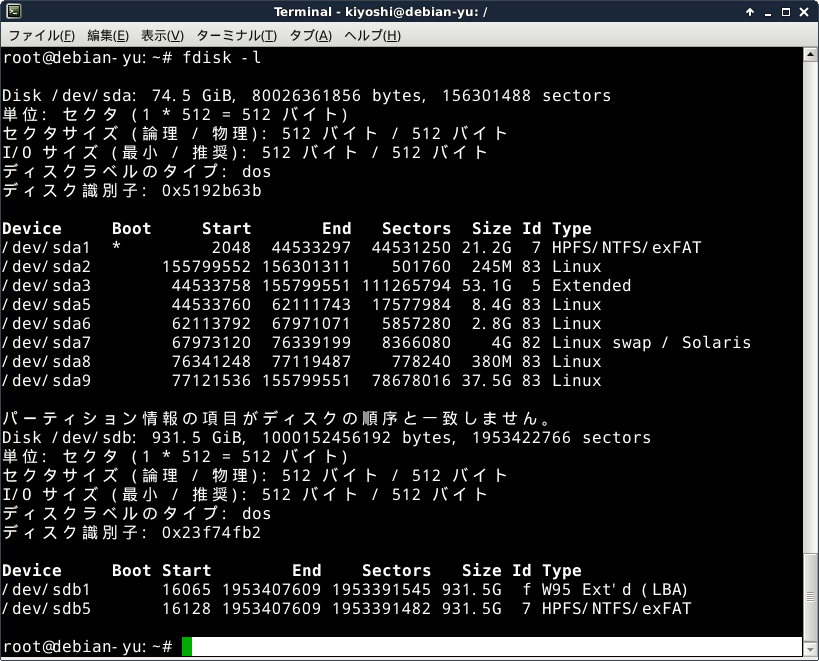
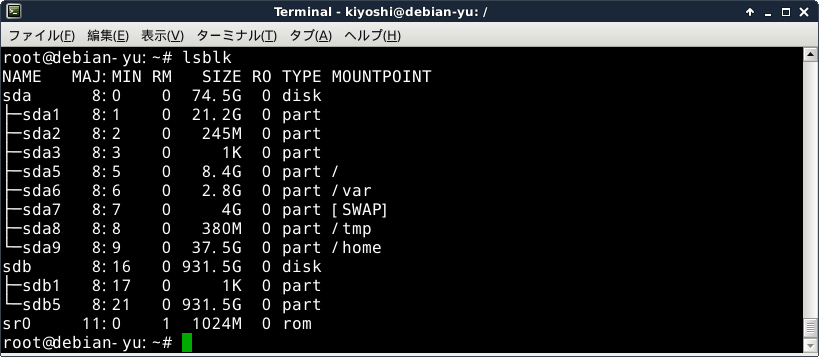
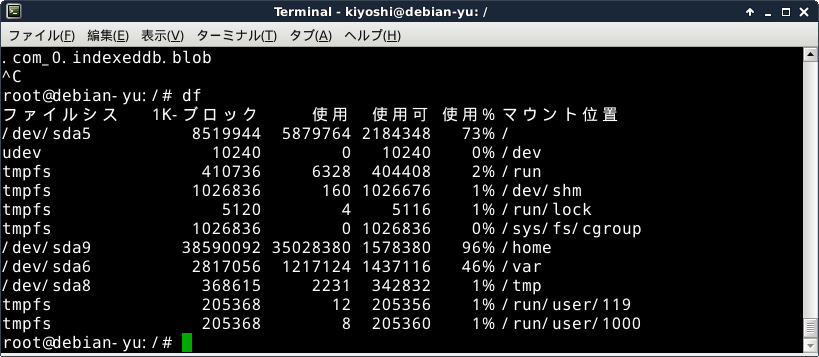
Chose to use biggest free partition; separate /,var,home partitions.

Ould not supply firmware file in the install process. Probably the file is still in firmware-b43legacy-installer.deb in supplied usb stick root.


Dual boot debian stretch on oldKiyoshi win xp

  1. prepare  debian bootable usb.
  2. Windows 管理ツール→コンピュータの管理→ディスクの管理
  3. Windows(©:)右クリック
  4. →領域を縮小(日本語(英語も?)分かりにくい):縮小量100GB:実際には97.66GBの未設定領域が作られた。finish?して
  5. 未設定領域を右クリック→simple volume ウィザード→ドライブF:が作成される
  6. resize and make simple volume debian 90GB
  7. Because deian installer is so good at disk partitioning, I chose leave everything to it, so that I removed the debian volume leaving 87.89GB unallocated disk partiion.
  8. Increas winC volume, leaving 78.13GB freespace.

Backup and Restore using SystemRescueCD (2)

Boot SystemRescueCD (ver6.0.3)

  1. Default system is fine.
  2. %setkmap
  3. Terminal may not have clear visibility, you don’t have to isuue ‘startx’
  4. %mkdir /mnt/backup
    %mount /dev/sdb5 /mnt/backup
  5. cd /mnt/backup and mkdir there for backup images
  6. Run partimage and just follow instructions.
  7. tab-key, space-bar and Enter-key are used and type text where needed.
  8. Restore steps are almost same, except one choice (backup or restore) in partimage program.