「SystemRescueCD」カテゴリーアーカイブ

SystemRescueCD @2019/

Using verion 4.6.0 (’15/09/27)

  1. Backup Practice
    1. Boot CD-> default boot -> keymap 22 ->startx
    2. connect backup HDD
    3.  %mkdir /mnt/backup       file may already exist. Anyway->
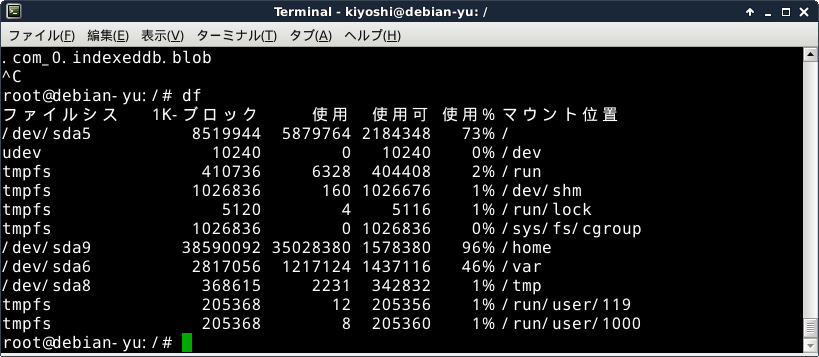
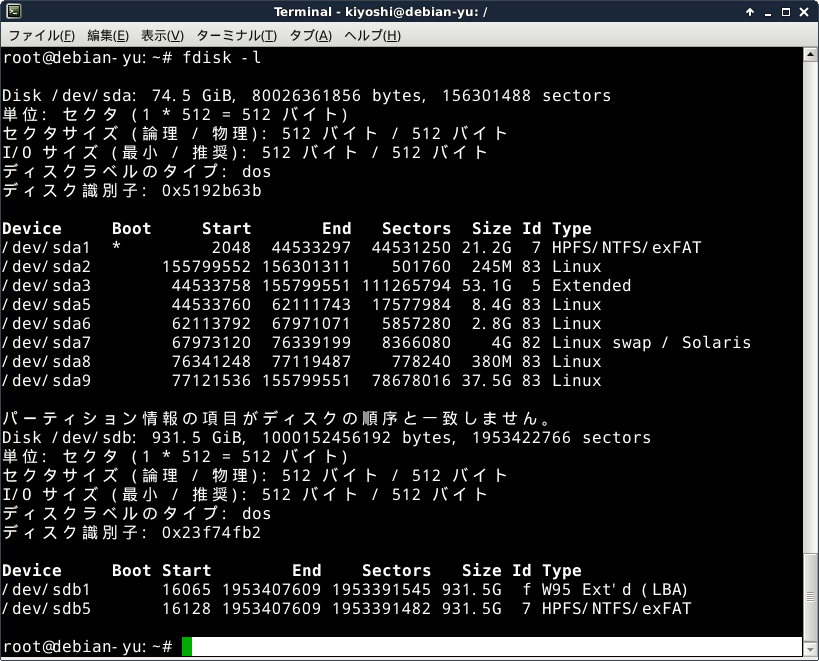
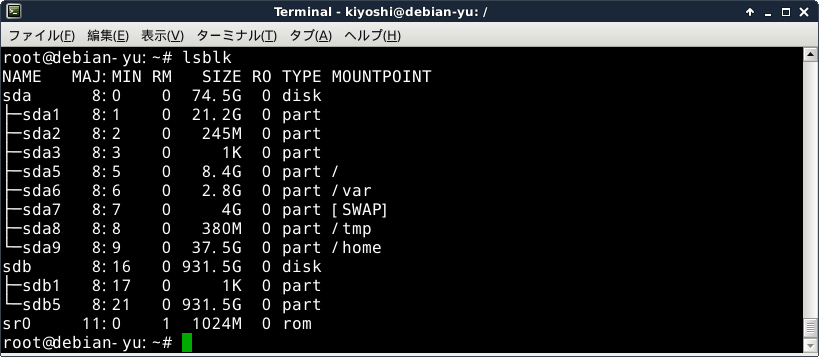
    4.  Better check:  %ls /dev:  sdb seems  to be backup HDD.
    5.  %mount /dev/sdb5 /mnt/backup
    6. Better check: %ls /mnt/backup;  will show file/dir on the backup HDD
    7. %partimage
    8. select sda1: ->F5

Backup and Restore using SystemRescueCD (2)

Boot SystemRescueCD (ver6.0.3)

  1. Default system is fine.
  2. %setkmap
  3. Terminal may not have clear visibility, you don’t have to isuue ‘startx’
  4. %mkdir /mnt/backup
    %mount /dev/sdb5 /mnt/backup
  5. cd /mnt/backup and mkdir there for backup images
  6. Run partimage and just follow instructions.
  7. tab-key, space-bar and Enter-key are used and type text where needed.
  8. Restore steps are almost same, except one choice (backup or restore) in partimage program.